Best Practices for Error-Free Data Migration with Odoo Implementation Services
 Odoo
OdooIntroduction
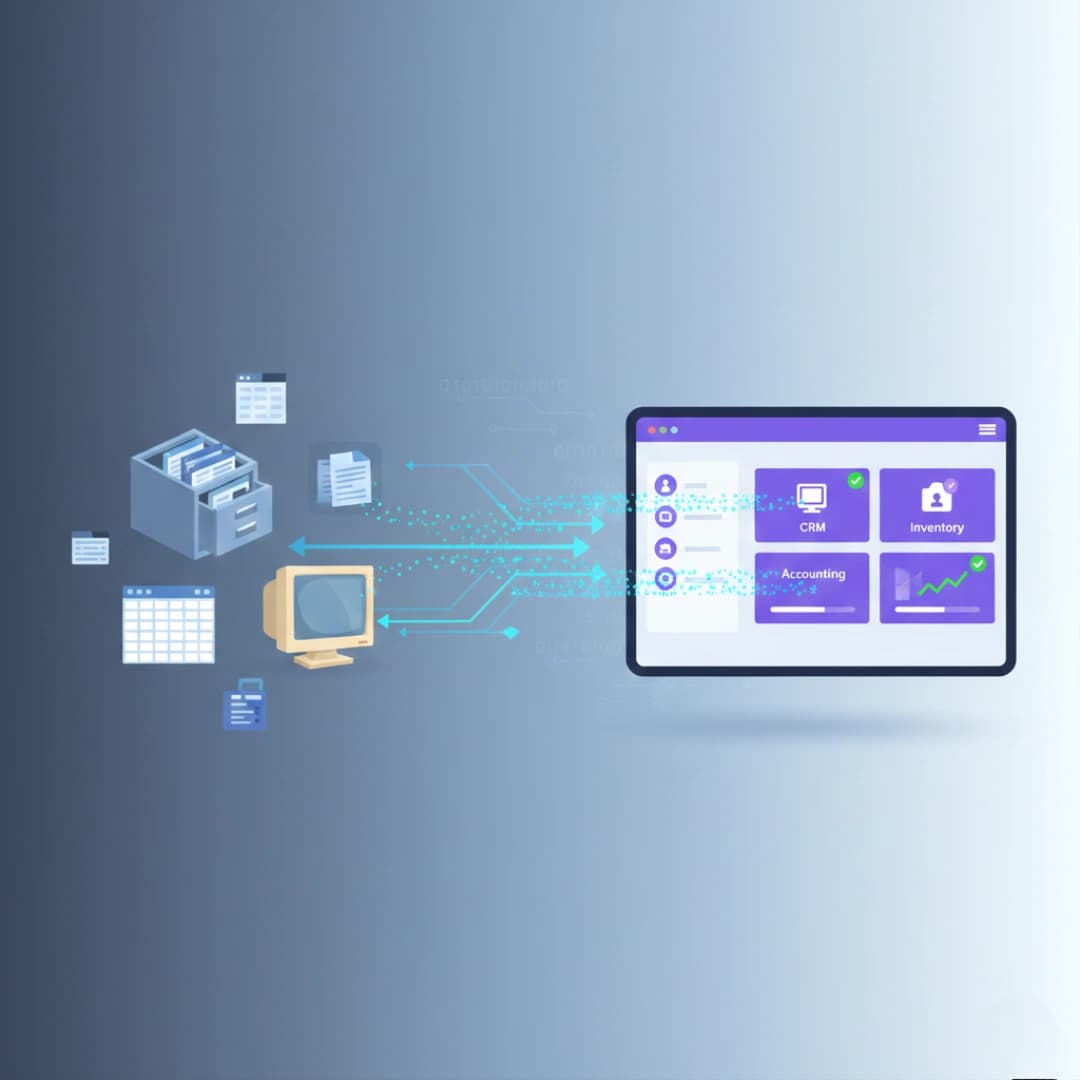
Data migration is one of the most critical phases of any ERP implementation. When businesses partner with Odoo Implementation Services, the success of their digital transformation heavily depends on how accurately and efficiently data is transferred from legacy systems to the new platform. Poor data migration can lead to operational disruptions, data loss, and significant financial setbacks. This guide explores comprehensive best practices that ensure error-free data migration during Odoo ERP implementation, helping businesses in the UAE and beyond achieve seamless transitions.
Key Takeaways
Successful data migration requires thorough planning, data cleansing, and validation at every stage. Partnering with experienced ERP companies in Dubai ensures technical expertise and risk mitigation throughout the process. Testing and validation before go-live prevents costly errors and operational downtime. Post-migration support and continuous monitoring guarantee long-term system stability and data integrity.
Understanding Data Migration Challenges in Odoo ERP
Why Data Migration Complexity Increases with Business Growth
Data migration becomes exponentially complex as businesses scale their operations and accumulate years of historical data. Organizations often store information across multiple disconnected systems, spreadsheets, and databases, each with different formats and structures.
Legacy systems may contain duplicate records, inconsistent naming conventions, and outdated information that cannot be directly transferred to Odoo. Additionally, businesses must maintain operational continuity during migration, requiring careful timing and phased approaches. The complexity increases when dealing with customer relationships, financial records, inventory data, and employee information that must remain accurate and accessible throughout the transition. ERP Integration Services play a crucial role in addressing these challenges by creating seamless connections between old and new systems during the migration process.
Pre-Migration Planning and Assessment
Conducting Comprehensive Data Audits
Before initiating any migration, businesses must conduct thorough audits of existing data to understand what needs to be transferred, cleaned, or archived. This assessment involves cataloging all data sources, identifying critical business information, and evaluating data quality across systems.
Data audits reveal inconsistencies, duplicates, and gaps that could compromise the migration process. Organizations should document data dependencies, business rules, and relationships between different datasets to ensure nothing essential is overlooked. This preparatory phase typically takes 15-20% of the total project timeline but significantly reduces risks during actual migration. Working with an experienced Odoo ERP Company provides expert guidance in identifying potential issues early and developing mitigation strategies.
Defining Data Migration Scope and Priorities
Not all data needs to be migrated immediately, and some historical information may be better archived for reference. Businesses should prioritize critical operational data such as active customer records, current inventory levels, open orders, and ongoing projects.
Defining clear boundaries for what gets migrated, what gets archived, and what gets excluded prevents scope creep and keeps the project on schedule. Priority classification helps allocate resources effectively and ensures business-critical information is available from day one. Organizations should also establish data retention policies that comply with regulatory requirements while maintaining system performance. This strategic approach minimizes migration time while ensuring all essential business functions remain operational.
Data Cleansing and Standardization
Removing Duplicate and Obsolete Records
Data cleansing is arguably the most time-consuming yet valuable aspect of migration preparation. Duplicate customer accounts, vendor records, and product listings must be identified and consolidated before migration to prevent confusion and maintain data integrity.
Obsolete records such as inactive suppliers, discontinued products, and closed projects should be archived separately rather than migrated to the new system. This process reduces database size, improves system performance, and ensures users work with accurate, current information. Automated tools can identify potential duplicates based on matching criteria, but human review remains essential for final decisions. Clean data migration establishes a strong foundation for future business operations and reporting accuracy.
Standardizing Data Formats and Conventions
Inconsistent data formatting creates significant challenges during migration and ongoing system use. Phone numbers, addresses, dates, and product codes must follow standardized formats that Odoo can properly interpret and validate.
Establishing naming conventions for customers, products, and accounts ensures consistency across the organization and facilitates easier searching and reporting. Currency formats, measurement units, and terminology should align with business standards and regulatory requirements in the UAE market. Standardization extends to custom fields, categories, and classification systems that will be used in Odoo. Taking time to establish these standards before migration prevents countless hours of manual corrections later and ensures data quality from the start.
Mapping Data Fields and Relationships
Creating Detailed Field Mapping Documentation
Field mapping defines how data from legacy systems corresponds to fields in Odoo's database structure. This documentation serves as the blueprint for the entire migration process and must account for every piece of information being transferred.
Complex business data often requires transformation during migration, such as splitting combined fields or merging separate fields into single Odoo fields. Relationships between data entities—such as customers to orders, products to inventory locations, or employees to departments—must be carefully preserved to maintain business logic. Comprehensive mapping documentation helps migration teams understand transformation requirements and serves as a reference for validation and troubleshooting. Professional Odoo implementation services create detailed mapping specifications that address data types, formats, validation rules, and business requirements.
Handling Custom Fields and Special Data Requirements
Many businesses have unique data requirements that don't fit standard ERP structures. Custom fields in legacy systems may contain critical business information that must be accommodated in Odoo through configuration or custom development.
Special handling is often needed for industry-specific data such as project milestones in construction, prescription information in optical retail, or certification records in service industries. These requirements should be identified during the assessment phase and addressed through Odoo's flexible customization capabilities. Migrating custom data successfully requires understanding both the source system's structure and Odoo's architecture to find the optimal mapping strategy. This ensures business-specific workflows and reporting capabilities are maintained in the new system.
Testing and Validation Strategies
Implementing Phased Migration Testing
Testing should never be an afterthought in data migration—it's an iterative process that begins with small data samples and gradually scales to full production volumes. Initial tests with sample datasets help identify mapping issues, transformation errors, and performance bottlenecks early.
Each testing phase should validate data accuracy, completeness, and integrity across all migrated modules. Reconciliation reports comparing source and destination records ensure nothing is lost or corrupted during transfer. User acceptance testing allows business stakeholders to verify that migrated data supports their daily operations and reporting needs. Multiple testing cycles with progressively larger datasets build confidence and uncover issues that only appear at scale. This methodical approach significantly reduces the risk of surprises during final migration.
Establishing Validation Checkpoints and Success Criteria
Clear validation criteria define what constitutes successful migration and provide objective measures for project completion. These criteria should include record counts, data accuracy percentages, system performance benchmarks, and business process validation.
Automated validation scripts can quickly compare source and destination data to identify discrepancies that require investigation. Manual spot-checks by business users verify that data not only exists but makes sense in the operational context. Key validation checkpoints should be established at multiple stages: after initial extraction, following transformation, after loading to test environment, and post final production migration. Having multiple layers of validation creates a safety net that catches errors before they impact business operations.
Go-Live Preparation and Execution
Developing Rollback Plans and Contingencies with Odoo Implementation Services
Despite thorough preparation, migrations can encounter unexpected issues that require quick decisions. Having documented rollback procedures ensures the business can return to legacy systems if critical problems arise during go-live.
Rollback plans should specify decision criteria, timing windows, and step-by-step procedures for reverting to the previous system. This includes data backup strategies, communication protocols, and responsibilities for different team members. While the goal is never to use rollback procedures, having them documented provides peace of mind and reduces panic during stressful situations. Clear contingency planning demonstrates professional project management and protects business continuity.
Coordinating Cut-Over Activities and System Freeze
The cut-over period—when the organization stops using old systems and begins using Odoo—requires precise coordination and timing. A system freeze prevents new data entry in legacy systems during final migration, ensuring consistency between source and destination.
Cut-over timing should minimize business disruption, often scheduled during weekends, holidays, or slow operational periods. Detailed schedules assign specific tasks to team members with clear start times, dependencies, and completion checkpoints. Communication plans keep stakeholders informed of progress and any issues requiring attention. Buffer time should be built into schedules to accommodate unexpected delays without missing the go-live deadline. Successful cut-over execution requires military-level planning and coordination across technical and business teams.
Post-Migration Support and Optimization with Odoo Implementation Services
Monitoring System Performance and Data Integrity
The first days and weeks after go-live are critical for identifying and resolving issues that only appear in real-world usage. Continuous monitoring of system performance, user activity, and data processing helps catch problems early.
Regular data integrity checks compare expected versus actual results in reports, transactions, and calculations. Users should have clear channels for reporting anomalies or unexpected behavior they encounter. Post-go-live support services provide expert assistance during this crucial stabilization period, ensuring quick resolution of any migration-related issues. Performance monitoring should extend beyond technical metrics to include user productivity and business process efficiency.
Addressing User Feedback and Data Corrections
Even with thorough testing, users will discover data issues or inconsistencies during normal operations that require correction. Establishing processes for reporting, prioritizing, and resolving these issues prevents them from accumulating and impacting business operations.
Some data corrections may be simple fixes, while others might indicate broader migration issues requiring systematic resolution. Documentation of all corrections helps identify patterns and informs future migration improvements. Regular review meetings with business users gather feedback on data quality and system usability. This ongoing dialogue ensures the system continues to meet business needs and maintains high data quality standards. Partnering with reputable ERP companies in Dubai ensures access to experienced professionals who can quickly diagnose and resolve post-migration challenges.
Conclusion
Error-free data migration is achievable through systematic planning, rigorous testing, and expert execution. Organizations that invest time in thorough preparation, data cleansing, and validation significantly reduce risks and ensure successful Odoo Implementation Services outcomes. The best practices outlined in this guide—from comprehensive audits to post-migration support—provide a roadmap for businesses embarking on ERP transformation journeys. By partnering with experienced implementation specialists, companies can navigate migration complexities confidently and establish solid foundations for digital growth. Contact Codex ITNS today to ensure your data migration is executed flawlessly with minimal business disruption.
Related solution: Odoo ERP for Optical Stores and Chains explains how Codex handles this workflow for UAE businesses.
Running an optical store or chain? Explore the Codex optical ERP solution for prescription records, POS, inventory, branch controls, customer history, and reporting. Explore Odoo ERP for Optical Stores and Chains or talk to Codex for a guided consultation.
Frequently Asked Questions
1. What is data migration in Odoo ERP implementation?

Data migration is the process of transferring business information from legacy systems to Odoo ERP, including customer records, financial data, inventory, and operational information. It ensures continuity while upgrading to modern business management software for improved efficiency and automation.
2. How long does data migration take during Odoo implementation?
Data migration typically takes 3-8 weeks depending on data volume, system complexity, and business size. This includes assessment, cleansing, mapping, testing, and final migration phases. Choosing the right Odoo partner significantly influences timeline and success rates.
3. What are the most common data migration errors in ERP systems?
Common errors include duplicate records, data formatting inconsistencies, incomplete field mapping, broken relationships between data entities, and missing validation rules. These issues typically arise from inadequate planning and insufficient testing before go-live, causing operational disruptions and reporting inaccuracies.
4. Why is data cleansing important before Odoo migration?
Data cleansing removes duplicates, corrects errors, and standardizes formats before migration, ensuring high-quality information in your new ERP system. Clean data improves system performance, enhances reporting accuracy, and prevents operational issues. It establishes a strong foundation for digital transformation initiatives.
5. Can I migrate data to Odoo without business disruption?
Yes, with proper planning and phased approaches. ERP companies in Dubai implement cut-over strategies during off-peak hours, maintain parallel systems temporarily, and provide rollback options. Thorough testing and validation minimize risks, ensuring seamless transitions with minimal impact on daily operations.
6. What data should be prioritized during Odoo ERP migration?
Prioritize active customer accounts, current inventory levels, open orders, financial records, and ongoing projects. Critical operational data ensures immediate business continuity. Historical data can be archived separately or migrated in later phases based on business needs and regulatory requirements.
7. How do ERP Integration Services support data migration?
ERP Integration Services create seamless connections between legacy systems and Odoo during migration, enabling real-time data synchronization and validation. They handle complex transformations, maintain data relationships, and ensure accurate transfer. Industry-specific ERP solutions require specialized integration approaches for optimal results.
8. What testing methods ensure error-free data migration?
Effective testing includes sample data validation, record count reconciliation, relationship verification, user acceptance testing, and performance benchmarking. Multiple testing cycles with progressively larger datasets identify issues early. Automated validation scripts combined with manual business user reviews ensure comprehensive data accuracy verification.
9. How do Odoo ERP Company professionals handle migration failures?
Professional Odoo ERP Company teams develop comprehensive rollback plans, maintain system backups, and establish clear decision criteria before migration. They implement phased approaches with validation checkpoints, allowing quick identification and resolution of issues. Expert implementation services include contingency planning and rapid response protocols.
10. What post-migration support is needed for successful Odoo implementation?
Post-migration requires continuous monitoring, data integrity checks, user training, and quick issue resolution. Organizations need technical support for corrections, performance optimization, and user adoption assistance. Regular feedback sessions identify improvement areas, ensuring the Odoo Implementation Services deliver long-term value and operational efficiency.