How to Manage Frames, Lenses and Prescription Data in Odoo
 General
How to Manage Frames, Lenses and Prescription Data in Odoo With Optical Inventory Management Software
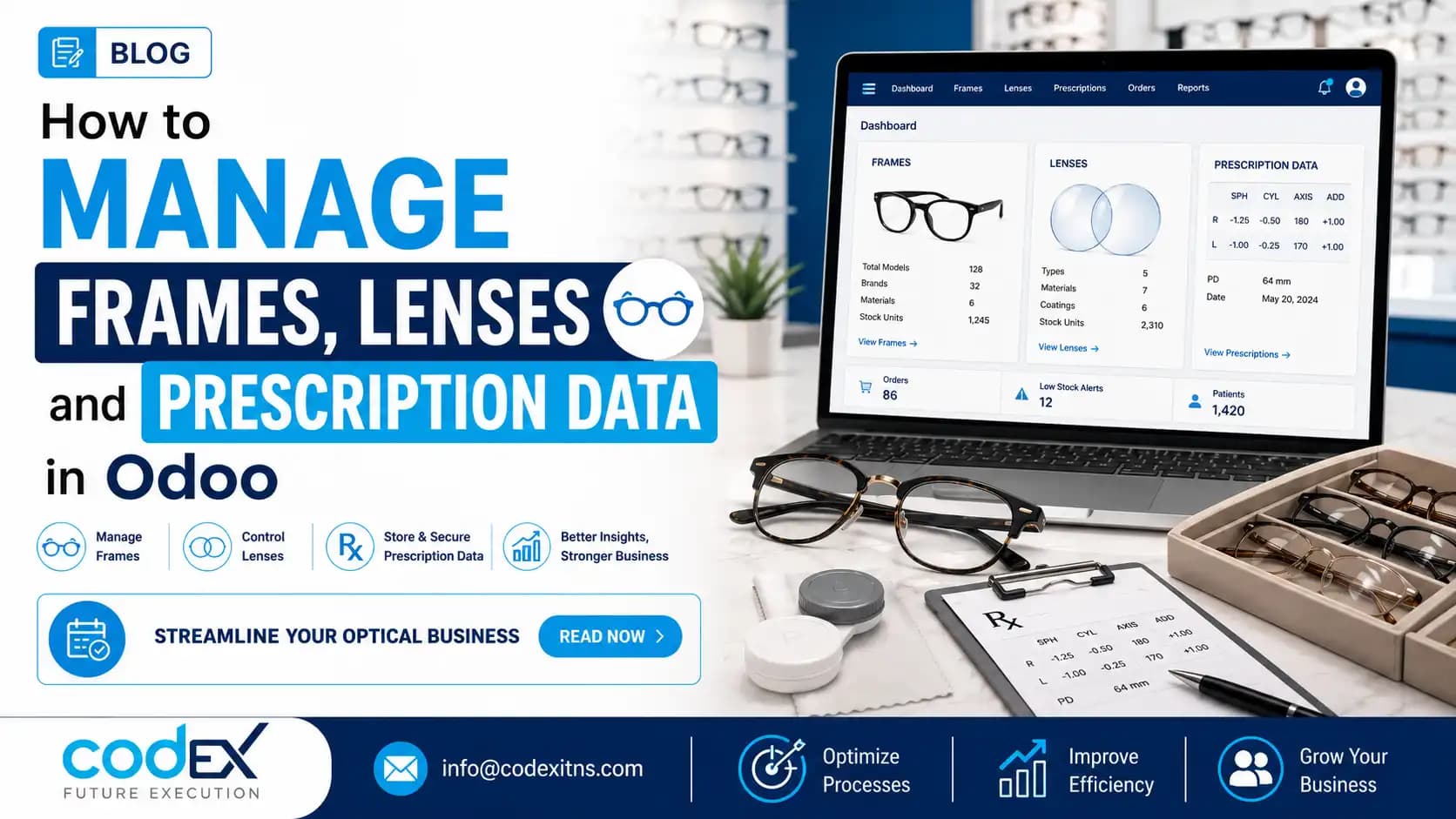
Optical inventory management software should do more than count stock. In an optical business, it must connect frame variants, lens parameters, patient prescriptions, lab orders, POS billing and branch transfers in one workflow. Odoo can support that model when it is configured for optical retail rather than treated like a generic store system.
This guide shows how to set up Odoo so your team can manage frames and lenses in Odoo, track prescription data accurately, and reduce duplicate entry between the counter, the exam room and the lab. If you are evaluating Odoo ERP for Optical Stores and Chains, these are the implementation decisions that matter most.
Definition: optical inventory management software is a business system designed to control frame stock, lens attributes, patient Rx records, lab processing and sales transactions together. Unlike basic retail tools, it must handle multi-dimensional lens data such as sphere, cylinder, axis and addition, plus serial tracking, warranty history and branch-level availability.
1. Map the optical workflow before you configure products
Start with process design, not screens. Optical stores usually combine retail, clinical data capture, special-order procurement and workshop or lab coordination. If those steps are not defined first, the Odoo setup often ends up with fragmented products, duplicate customer records and manual side spreadsheets.
Document how a sale actually moves through your business: customer registration, eye test or prescription upload, frame selection, lens selection, coating options, payment, lab dispatch, fitting and after-sales service. Include exceptions such as prescription remakes, consignment frames, partial deliveries and inter-branch fulfillment. This blueprint determines whether you use variants, attributes, custom models or a mix of all three.
Answer this buyer question early: Can Odoo connect prescriptions, billing, POS and customer history in one system? Yes, but only if the data model links the customer record to the Rx record, the sales document, the chosen frame, the lens configuration and the delivery status. That relational structure is why Odoo is better suited than flat-file retail tools for optical operations.
According to Odoo Official Documentation, products, variants, lots, customer records and sales workflows are all configurable building blocks. For optical businesses, the practical task is tailoring those blocks to real dispensing and lab processes, not forcing staff into generic retail steps.
Practical tip
Define one naming convention before importing anything. A common mistake is loading the same frame as separate products by brand, color or branch, which breaks reporting and replenishment logic.
2. Structure frames as variants, serial-tracked items and consignment stock
Frames should usually be modeled as product templates with controlled attributes such as brand, model, color, size and gender or style category. That keeps the catalog clean while still allowing precise SKU generation. Premium frames often justify lot or serial tracking as well, especially when warranty, shrinkage control or distributor claims are important.
Barcode scanning belongs in the design from day one. At receiving, it accelerates put-away and reduces keying errors; at POS, it speeds up checkout for high-value items and makes item-level tracing easier. For stores asking, How do we handle barcode scanning for frames that have unique serial numbers for warranty tracking in Odoo? the practical answer is to combine the product variant with lot or serial tracking so each physical frame can be identified at purchase, transfer and sale.
Consignment inventory needs separate treatment from owned stock. If a distributor places designer frames in your store, Odoo should distinguish on-hand consignment quantity, sold quantity, returnable quantity and supplier settlement values. That is a financial control issue as much as an inventory one, because gross margin and liability reporting become unreliable if consignment units are mixed with purchased stock.
| Optical item | Recommended Odoo structure | Why it matters |
|---|---|---|
| Standard frames | Product template with variants | Clean SKU logic by brand, model, color and size |
| Designer frames | Variants plus lot/serial tracking | Supports warranty, theft control and traceability |
| Consignment frames | Separate ownership logic and settlement workflow | Protects margin and supplier reconciliation |
| Accessories | Simple stocked products | Fast POS and replenishment management |
If you are refining warehouse logic as part of a broader rollout, the inventory design principles in this guide to Odoo inventory management software are directly relevant to optical stores as well.
Common mistake to avoid
Do not create every individual frame as a standalone product unless the catalog is tiny. Variant sprawl makes purchasing, transfers and pricing maintenance unnecessarily difficult.
3. Build lens products around parameter logic, not simple SKU lists
Lens inventory is where many implementations fail. Frames are retail variants; lenses are a parameter matrix that may include type, index, material, coating, sphere, cylinder, axis, addition, prism and diameter. In practice, the best setup often separates commercial lens families from the detailed prescription values captured on the order.
That distinction answers another frequent buyer question: How does Odoo handle the multi-dimensional matrix required for optical lenses? It can manage it through combinations of product attributes, configurators and custom forms, but most optical stores should avoid generating a literal SKU for every possible power combination. Instead, define lens families and commercial options as products, then store Rx parameters as structured order data linked to the customer and lab instruction.
Many stores also need to manage both finished stock lenses and semi-finished blanks. Those are different workflows. Finished stock can be received, counted and issued like inventory; semi-finished blanks require process-stage visibility for edging, coating, assembly or dispatch to an external lab. Odoo becomes much more useful when those stages are modeled as status transitions rather than phone calls and paper tickets.
Can Odoo generate lab orders automatically when a prescription lens sale is finalized at POS? Yes, with the right customization. The sale confirmation or POS validation can trigger an internal manufacturing task, a lab work order or an external purchase workflow containing the selected frame, lens options and prescription parameters. For stores moving away from standalone optical packages, this Odoo for optical stores guide is a useful companion read.
Practical tip
Keep pricing rules separate from prescription values. A common mistake is embedding every sphere or axis value into price lists, which creates fragile maintenance and inconsistent quotations.
4. Store prescription data in a controlled customer record and reuse it across sales
Prescription management software for optical stores should preserve clinical history without forcing staff to retype the same information for every order. In Odoo, the usual design pattern is to attach structured Rx records to the customer profile, then reference the relevant prescription during quotation, POS sale, lab order and after-sales service. That creates one auditable source of truth for dispensing.
For stores asking, Can we store and track historical patient optical prescriptions directly within Odoo CRM or POS? the answer is yes, typically through custom fields or an optical-specific data model linked to the contact record. Historical entries should capture issue date, prescribing doctor or source, right and left eye values, pupillary distance where relevant, and notes about coatings, usage or adaptation issues. Access control matters here; not every cashier should edit every medical data field.
This setup also eliminates duplicate entry. When the POS operator selects a returning customer, the system can pull the latest approved prescription, previous frame purchases, warranty history and preferred lens package into the sale flow. That is materially different from vague claims about convenience: it reduces transcription errors between front desk staff, optometrists and lab coordinators.
Industry buyers also care about migration. If you are transitioning from legacy optical software, historical prescription records and complex lens matrices should be cleaned and mapped before import, not after go-live. Sources such as Review of Optometric Business and Vision Monday regularly highlight how operational discipline and accurate patient records affect optical retail performance far beyond the exam lane.
Common mistake to avoid
Do not store prescription data as free-text notes only. Free text is hard to search, impossible to validate consistently and difficult to reuse in reporting or lab automation.
5. Connect POS, inventory, billing and multi-branch replenishment into one operating model
Once products and prescription records are structured correctly, the next step is orchestration. Optical shop ERP software should let one transaction update stock, revenue, customer history and downstream lab activity without separate re-entry. In Odoo, that means aligning POS, Sales, Inventory, Purchase and Accounting workflows around the same product and customer master data.
Multi-branch optical chains need real-time visibility across stores, central stock points and external finishing labs. If one branch is out of a frame size or coating option, staff should be able to check another location, reserve the unit and trigger an internal transfer rather than lose the sale. This is especially important in high-value categories where stock depth is intentionally limited.
The business case is substantial. According to Fortune Business Insights, the global eyewear market was valued at USD 161.61 billion in 2023 and is projected to reach USD 276.54 billion by 2032, growing at a CAGR of 6.2%. According to IHL Group, inventory distortion from stockouts, overstock and shrinkage costs retailers globally about USD 1.77 trillion annually. Integrated ERP deployments are also associated with lower carrying costs and stronger fulfillment; Aberdeen Group has reported inventory holding cost reductions of up to 20% to 30% in integrated ERP environments.
For implementation teams, the final step is governance: branch-level permissions, transfer rules, reorder points, scanner procedures, exception handling and support ownership after launch. That is where specialized business process design matters more than simply installing modules.
Practical tip
Pilot one branch first with real receiving, dispensing and transfer scenarios. The most common mistake is testing only clean demo sales and missing edge cases such as split orders, remakes and inter-branch fulfillment delays.
Related Articles
- Looking For Odoo Inventory Management Software Heres What You Need To Know
- Business Management Software Dubai 7 Ways To Transform Operations
- Construction Erp Uae Driving Project Management Efficiency In Construction Firms
- Odoo Erp For Optical Stores Chains
- Complete Guide To Odoo For Optical Stores
- Manufacturing Erp Software Dubai For Small And Medium Businesses
Optical Inventory Management Software in Odoo
Learn how optical inventory management software in Odoo handles frames, lenses, prescriptions, POS and multi-branch stock control.
Running an optical store or chain? Explore the Codex optical ERP solution for prescription records, POS, inventory, branch controls, customer history, and reporting. Explore Odoo ERP for Optical Stores and Chains or talk to Codex for a guided consultation.
Frequently Asked Questions
How can Odoo help manage frame and lens inventory in an optical store?

Can Odoo store customer prescription data securely?
How do optical stores track lens power, coating and custom orders in Odoo?
Is Odoo suitable for multi-branch optical store inventory management?
Can Odoo connect prescriptions, billing, POS and customer history in one system?
How does Odoo manage consignment inventory from major frame distributors?