By Mahesh
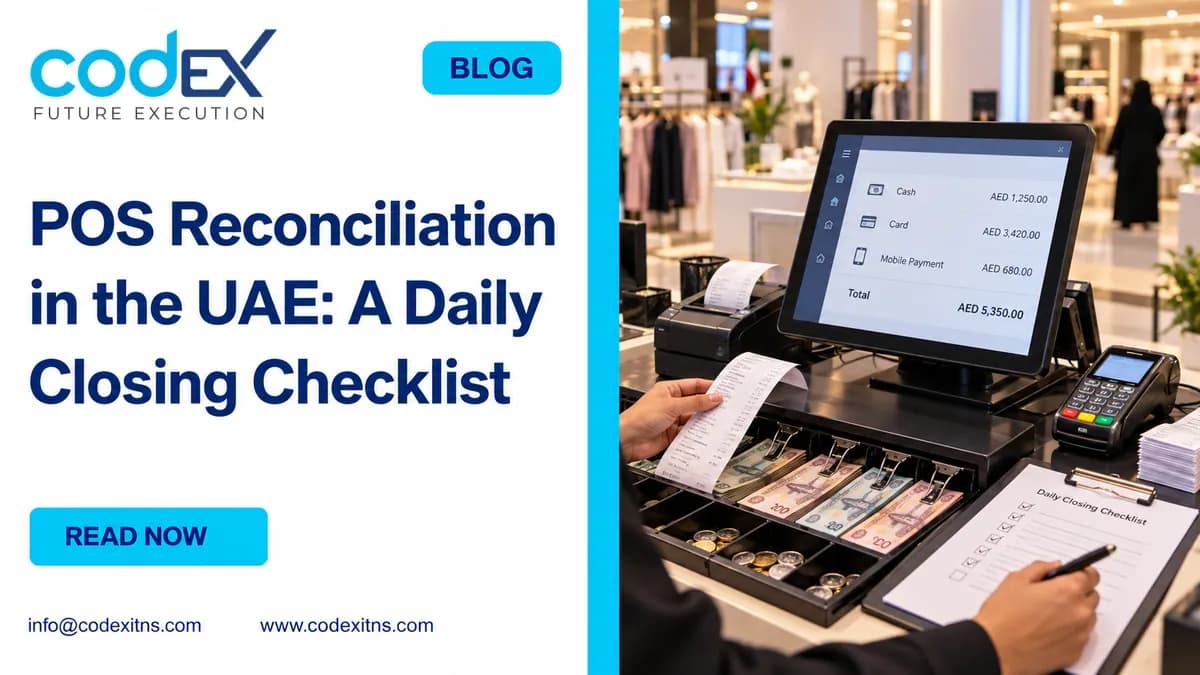
POS reconciliation is the daily control that proves your store sales, cash drawer, card receipts and accounting handover agree before the day is closed. In a UAE retail operation, the safest method is to reconcile by trading day, separate cash from card, document refunds and paid-outs, and investigate differences before posting the close. This guide shows exactly how to do that in Odoo-based retail workflows.
What is it? In a retail store, reconciliation means comparing what the POS says should exist against what actually exists in cash, card terminal reports and supporting documents. It is not the same as bank reconciliation. A store can close correctly on Monday even if the bank settles some card transactions on Tuesday or after provider fees are deducted.
That distinction matters in UAE retail because many shops run extended trading hours, multiple cash pickups, mixed cash and card sales, and refund activity across the same day. If your close mixes sales date, terminal batch date and bank settlement date into one number, false variances appear. If you use POS software for UAE retail operations, your closing process should make those dates explicit rather than hiding them.
1. Define the three dates before anyone starts counting
The first step is procedural, not technical: define the records by trading day, card terminal batch and bank settlement date. Trading day is the store day you are closing, for example 14 May from opening float handover to final cashier sign-off. Card terminal batch is the terminal or acquirer submission cut-off that groups approved transactions. Bank settlement date is when the provider transfers net funds to the bank.
Why do UAE store teams confuse these? Because the POS often reports gross card sales by trading day, while the terminal batch may cut later, and the bank may settle net of fees or after holdbacks. If a supervisor expects all three totals to match on the same evening, the close will show a false shortage on cards.
Our recommendation is simple: close the store against the trading day only, then pass card-batch and bank-settlement matching to the finance handover. That keeps store operations accountable for what they can verify at branch level while giving finance the right structure for later matching in accounting software and reconciliation controls.
Common mistake to avoid: forcing card totals to equal same-day bank credits. They often will not, especially when settlement timing, provider cut-offs, fees and refunds are involved.
2. Gather the exact source records before the close begins
A reliable close starts with evidence, not with counting cash first. Before the cashier or supervisor starts the end-of-day process, collect the session sales summary, cashier-wise payment summary, opening float record, safe-drop or cash pickup slips, paid-out approvals, refund records, card terminal totals, and any manual incident notes. If one source is missing, note the exception before proceeding.
In Odoo POS, the store team should be able to extract the session summary and payment-method totals for the day. Where stock movement matters, especially for fashion, convenience or specialty retail, it also helps to compare sales closure discipline with stock updates so that sales and inventory stay aligned. For the stock side, see how POS and inventory stay aligned.
What records are mandatory? At minimum, use these categories: POS sales by payment method, refunds by payment method, drawer movements not related to sales, terminal-approved card totals, and a physical cash count sheet signed by the preparer and reviewer. If the store runs multiple tills, keep each drawer separate until reviewed. Do not combine drawers into one branch total too early, or you lose the ability to identify which station created the difference.
Common mistake to avoid: reconstructing evidence after the count. Once the drawer is counted, staff tend to “remember” a payout or refund and adjust the story around the number. Collect the documents first so the count tests the record, not the other way around.
3. Calculate expected drawer cash the right way
Expected drawer cash is not total sales. It is opening float plus cash sales received, minus cash refunds, minus paid-outs, minus cash pickups or safe drops, adjusted only for documented non-sales drawer movements. That formula sounds basic, but most closing errors happen because one of those lines is omitted or mixed with card receipts.
Use this illustrative AED example. Opening float AED 500. Cash sales AED 3,250. Cash refunds AED 120. Paid-out for emergency courier AED 60. Midday safe drop AED 2,000. Expected closing cash in drawer = 500 + 3,250 - 120 - 60 - 2,000 = AED 1,570. If the physical count is AED 1,550, the drawer is AED 20 short and must be logged as a variance, not hidden by editing a paid-out.
Card activity is calculated separately. Suppose the POS shows AED 4,800 in card sales and AED 150 in card refunds for the same trading day. The net card activity in the POS is AED 4,650, but that is still not your expected bank receipt for that night. The terminal batch cut-off may include some next-day activity, and the acquirer may settle net after fees.
| Component | Include in expected drawer cash? | Notes |
|---|---|---|
| Opening float | Yes | Carry forward from prior signed opening |
| Cash sales | Yes | Use POS payment summary for cash only |
| Cash refunds | Yes, subtract | Require refund evidence and approver |
| Paid-outs | Yes, subtract | Only documented non-sales expenses |
| Safe drops or pickups | Yes, subtract | Match to slip and receiver acknowledgement |
| Card sales | No | Reconcile separately to terminal and finance |
Common mistake to avoid: treating net sales as expected cash. Payment method split is the critical control, not the sales total alone.
4. Use this eight-step end-of-day checklist
The most effective daily close is a fixed sequence with named ownership and evidence. Use the same checklist across branches and vary only reviewer roles. That makes exception reporting comparable across locations.
| Step | Owner | What to do | Evidence required |
|---|---|---|---|
| 1. Lock the trading session | Cashier or shift lead | Stop new sales on the session being closed | POS session ID and close timestamp |
| 2. Print or export day totals | Supervisor | Capture sales, refunds and payment split | POS summary by payment method |
| 3. Count drawer cash | Cashier, witnessed by supervisor | Count notes and coins by denomination | Signed count sheet |
| 4. Verify non-sales cash movements | Supervisor | Check paid-outs, pickups and safe drops | Approved slips and receiver sign-off |
| 5. Close card batch record | Supervisor | Compare POS card total to terminal-approved total | Terminal batch or settlement report |
| 6. Review refunds and voids | Store manager | Confirm approvals, reason codes and payment method | Refund log and manager approval |
| 7. Log and approve variances | Store manager or finance reviewer | Record shorts, overs and unresolved exceptions | Variance report with comments |
| 8. Hand over to finance | Branch admin or accounts runner | Submit close pack for posting and later bank matching | Daily close pack and submission register |
Who should own the checklist? The cashier owns the physical count, the supervisor owns completeness of store documents, and the manager owns approvals and unresolved exceptions. Finance should review, not rewrite, what happened at the branch. That separation is important because stores are closing operational activity, while finance is validating downstream postings and settlements.
Common mistake to avoid: letting one person perform, approve and post the full close. Even in smaller UAE stores, basic segregation between preparer and reviewer reduces silent adjustment risk.
5. Reconcile cash, card, refunds and exceptions without forcing balance
Once the checklist is complete, compare each payment stream separately. Cash should tie to the drawer formula. Card should tie, as far as possible, to the approved terminal total for the relevant batch or batches linked to that trading day. Refunds must be checked both by amount and by original payment method, because a cash refund issued against an originally card-based sale changes both the drawer and the card expectation.
Why does the card total in the POS not always match the bank on the same day? Because the POS records the sale when the store makes it, the terminal records it when the acquirer approves and batches it, and the bank records the settlement when funds are deposited. In addition, some providers deduct processing fees before remittance, while others settle gross and invoice fees separately. Refund timing can also shift the net amount away from the original sale date.
For that reason, the branch close should usually record three card figures where available: POS gross card sales, terminal-approved net of same-day card refunds, and later bank settlement posted by finance. Exact automation between Odoo, terminal providers and banks depends on version, provider and setup, so avoid assuming full straight-through matching unless it has been configured and tested. Odoo's documented POS workflow is helpful as a reference point for session handling and closing logic in supported versions: official Odoo POS workflow documentation.
Common mistake to avoid: posting fees against store sales at branch close. Fees belong in the finance matching stage unless your approved accounting design explicitly captures them earlier.
6. Standardize branch handover, Odoo setup and daily review
Multi-branch stores in Dubai, Abu Dhabi or other emirates need a close pack that is consistent across locations. A branch should submit the same evidence set every day: session summary, count sheet, terminal report, refund log, cash movement slips and variance note. The difference between branches should be volume, not process. If one branch emails screenshots, another uploads spreadsheets and a third keeps paper only, review quality falls quickly.
During Odoo setup, review: payment methods mapped clearly, separate handling for cash and card, refund reason capture, approval rules for paid-outs and voids, cashier accountability, and session close permissions. During Odoo implementation and testing, these controls should be validated with realistic store scenarios, not just clean demo sales. Test at least one short cash count, one overage, one cash refund, one card refund, one safe drop and one delayed card settlement scenario.
What should finance receive after the store closes? A branch-level close pack and a structured handover into accounting, where the store close remains intact and finance performs later matching to merchant statements and bank credits. That is where a connected setup between retail and accounting software in the UAE becomes valuable. The objective is not to make the branch do bank reconciliation; it is to give finance clean, dated, explained retail records.
At Codex ITNS, we help retail businesses map these workflows into practical Odoo controls rather than generic POS settings. If your stores are still closing with manual edits, overwritten variances or unclear card timing, request a closing-workflow review so we can assess the branch checklist, accounting handover and Odoo configuration.
Related Articles
POS Reconciliation UAE: Daily Closing Checklist
Practical POS reconciliation guide for UAE retail teams: daily cash, card, refunds, variances and branch closing controls in Odoo.
